Have a Question?
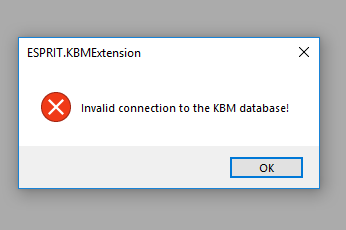
Invalid connection to KBM database
When i open Esprit,Am getting this error “Invalid connection to KBM database”, How to solve this?
( If the image visibility is not clear, click on the image for better view.)
Solution !
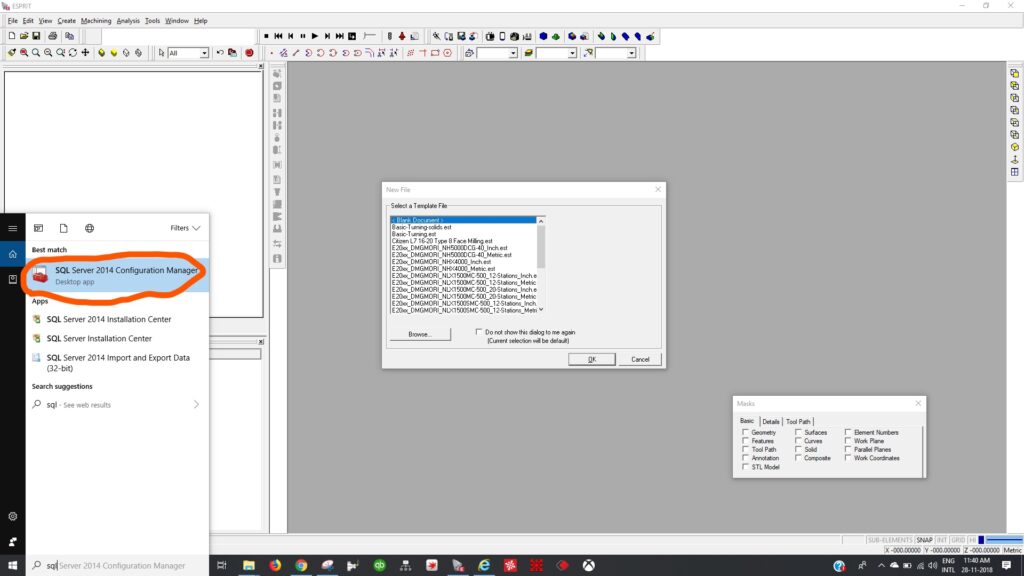
1-Open SQL Manager from Windows,
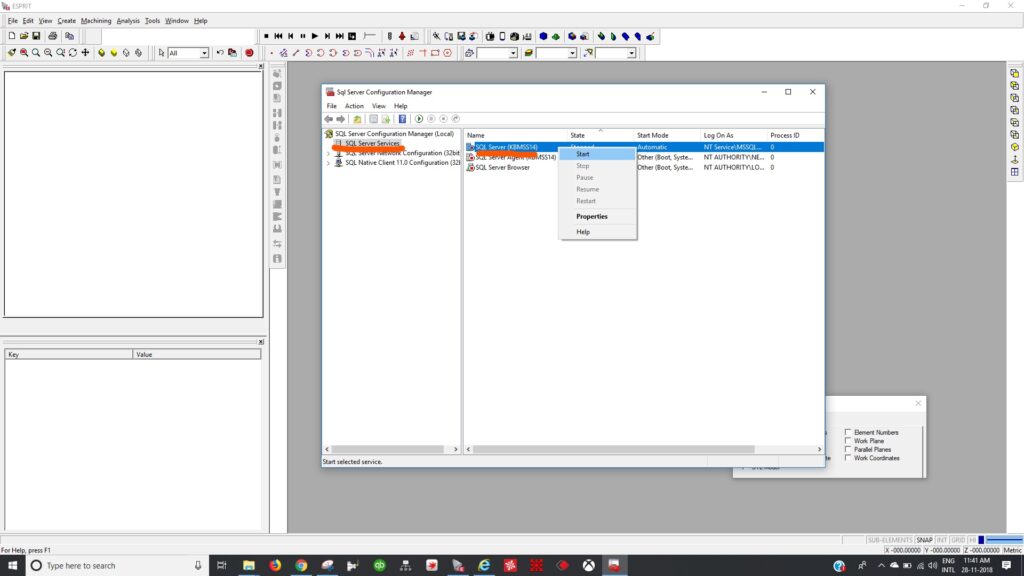
2- On SQL Server Services, right click on (KBMSS14), and click start.
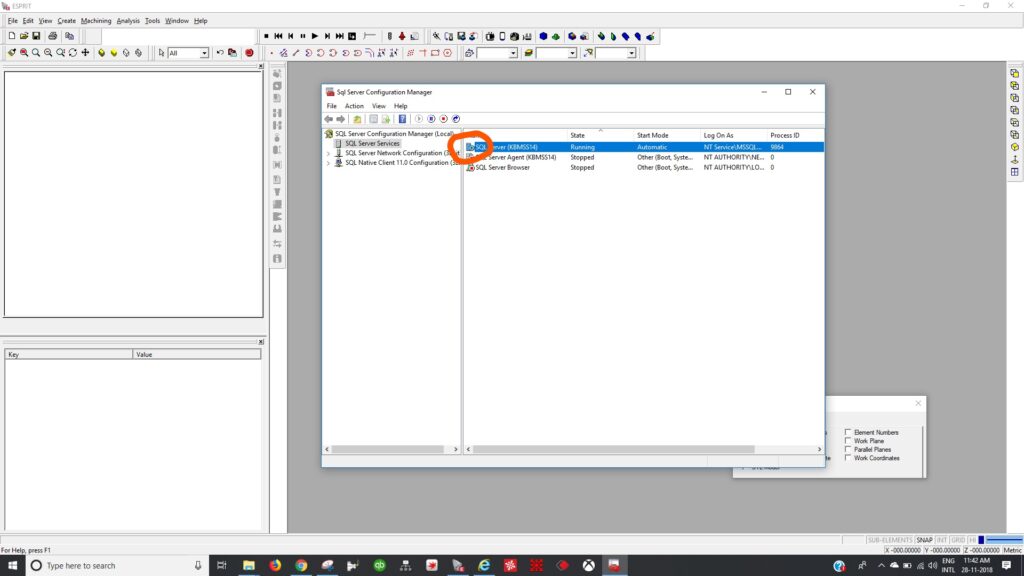
3- SQL Server icon will changed to green, as below,
Now, open Esprit and check,
for further Clarification Contact our Tech Support:
For Support
techsupport.millwright.co
support@millwright.co
+91 9094555565