Trusted storage is corrupt.
When i open Esprit,Am getting this error “Trusted storage is corrupt.”, How to solve this?
( If the image visibility is not clear, click on the image for better view.)
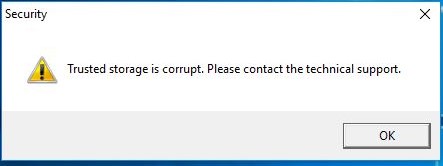
Description.
This may happen mostly because of backdating the PC or any changes on PC Hardware.
Solution !
Click “OK” and close all error windows and follow the below steps.
1-Open Esprit Security Manager.
you will get the below message.
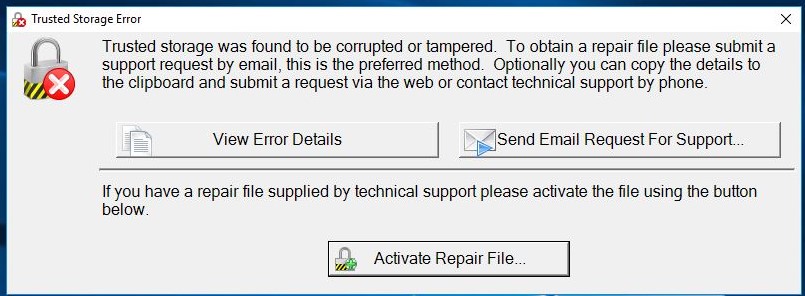
2- Click on View Error Details.
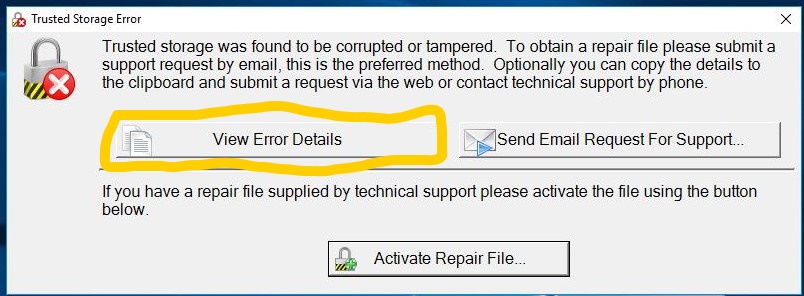
It will give a error log details, save the file as text file and Send to support@millwright.co.
Our Support team will provide a activation file, with the file extension of “(tspwd )”
3- Select “Activate Repair File”,
Save the given file on the desktop of your computer.
Follow Step-1
Click on “Activate Repair File”, as shown below.
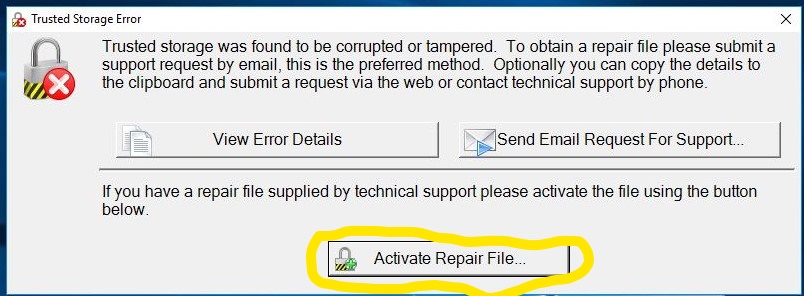
4- Then browse and open the “(tspwd )” format file.(When you informed us the error occurs ,our team will create a password and send through the email to you )
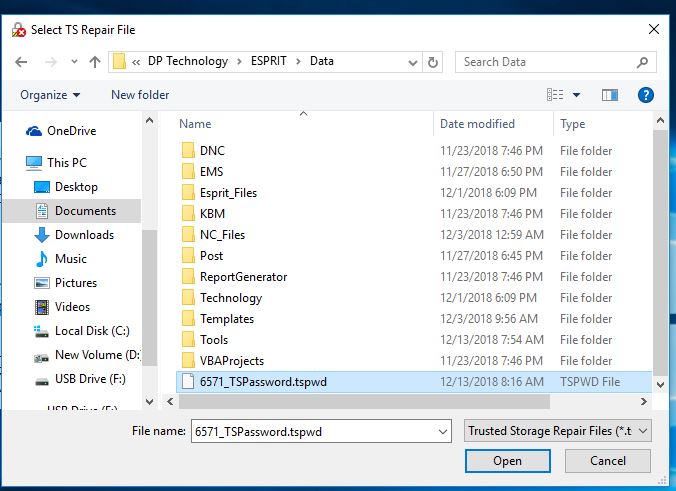
5- The error has been solved.
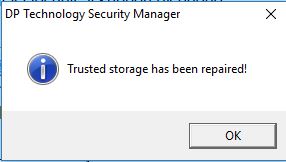
Now, open Esprit and check,
for further Clarification Contact our Tech Support:
For Support
techsupport.millwright.co
support@millwright.co
+91 9094555565
Tags: